
Adding your headshot to Teams

Hi all,
If you have had a headshot taken by the Marketing team over the past few months and do not have a copy, please contact us on marketing@affinia.co.uk.
As a reminder, please ensure your headshot is used as your Outlook/Teams profile picture by updating your Microsoft account.
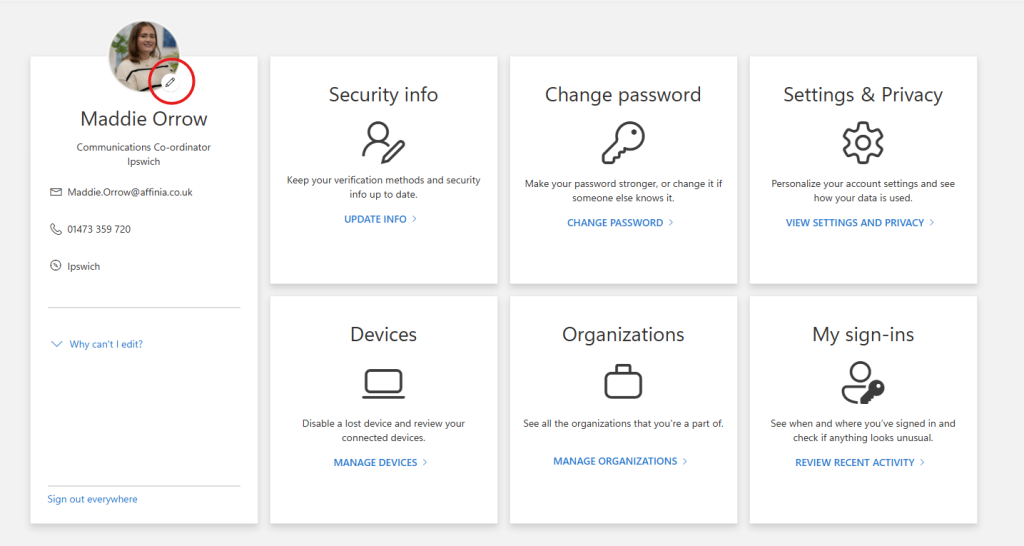
After following the link above, please click the small pencil icon above your name and job title to upload your headshot, as shown in the screenshot below.
If you do not have a headshot and would like one taken, please contact Maddy Pickup who will arrange photography over the coming weeks.
If you have any questions please do not hesitate to contact the Marketing team.
Many Thanks,
Marketing
Subscribe
0 Comments
Oldest