
Introducing new Affinia brand assets
We have recently added a number of new branded items to our brand pack which we hope you find useful:
Teams backgrounds
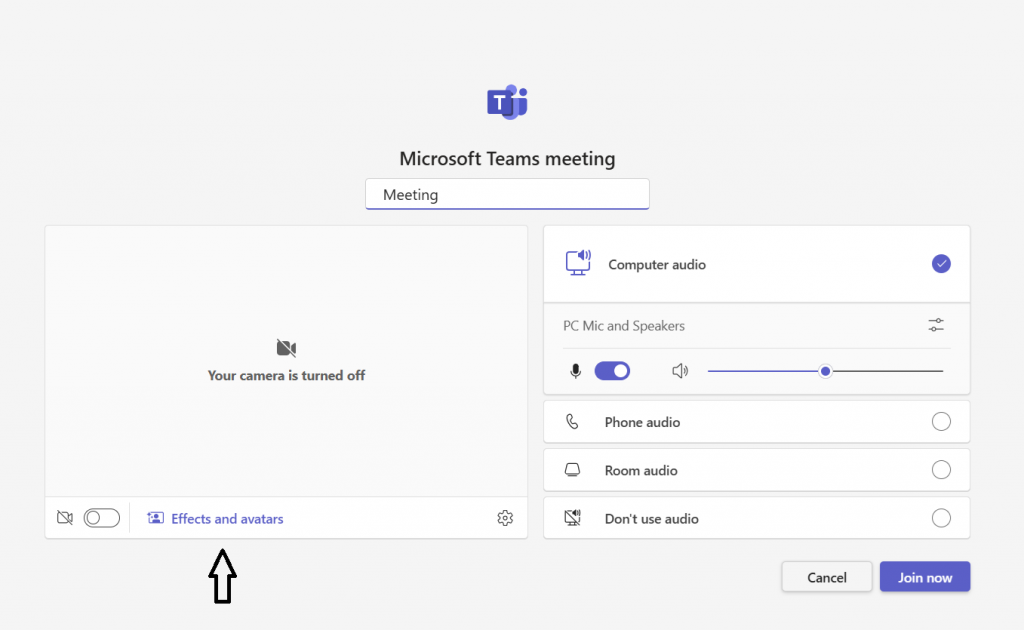
A number of new backgrounds are now included in teams for you, if you would like to add a branded background. These can be accessed by:
As you join a Teams call, you will see the “Effects and avatars” option under your image:
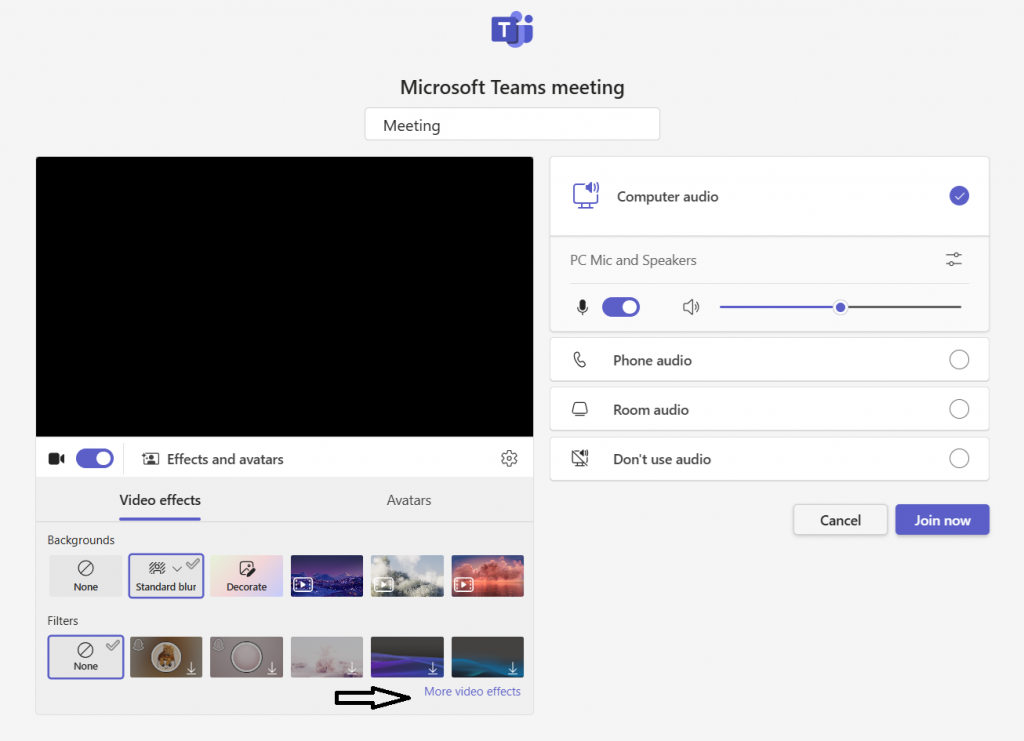
Once you click on here, you can choose “More video effects”:
Then, on the right hand side you will see available backgrounds appear, please click “Show all” at the bottom right:
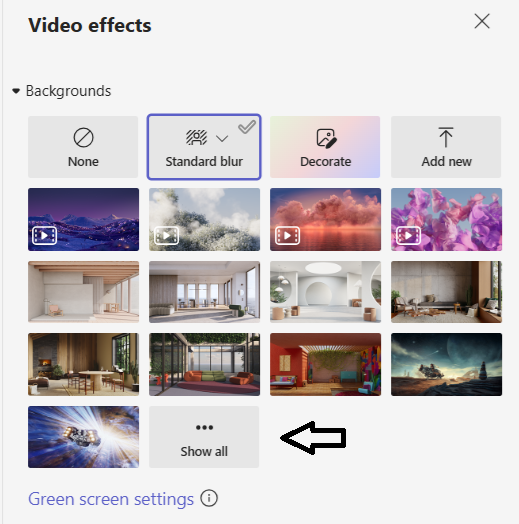
This will open up all options, with our branded options showing at the bottom.
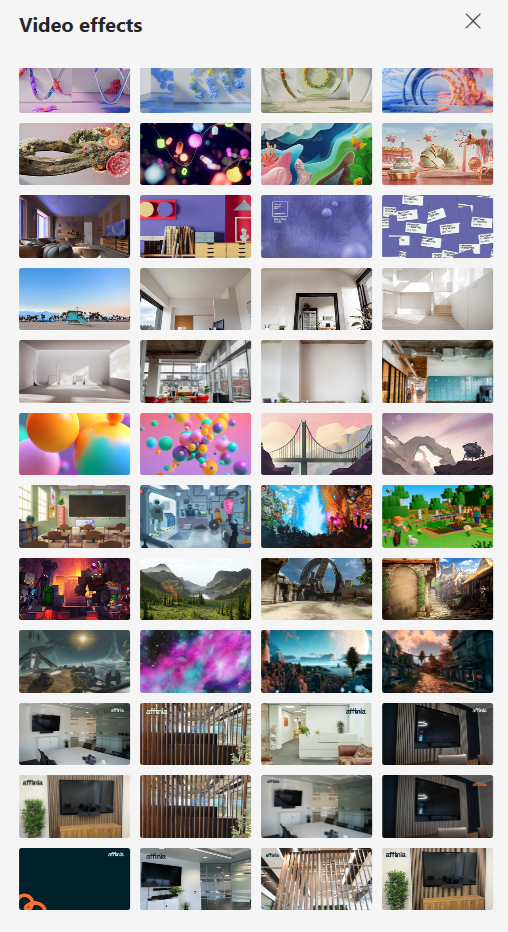
Click on the option you would like to use, and this will appear in your image screen.
Phone wallpaper
If you have a work mobile, you can now amend your wallpaper and lock screen:
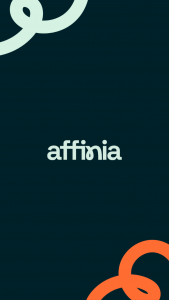
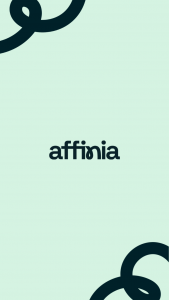
These can be accessed via our brand guidelines site, in the templates section here.
Social media
As a reminder, please ensure that you have amended your LinkedIn account so you are attached to our Affinia company page here.
Please ensure that you have:
- Used your company headshot (please contact marketing@affinia.co.uk if you would like a copy)
- Uploaded one of our LinkedIn banners, which can accessed via our brand guidelines site here
Our brand guidelines site
Please note there is a range of items and guidance available to you via the brand guidelines site, including:
- Logos
- Colours
- Photography
- Document templates
- Social media assets
If you have any questions, or would like to request any additional resources, please contact us at marketing@affinia.co.uk.