
Business Support | Microsoft Teams Guidance |
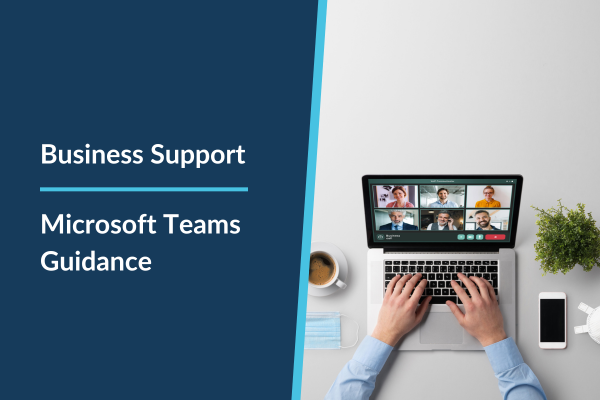
As we continue to improve ways of collaborating across the group, and we work towards creating lovely new environments for us to work in, we’d like to emphasise the usefulness and efficiency of using Microsoft Teams for calls and meetings from your desk, eliminating the need to book meeting rooms! Here are some key points that you may find useful:
- Efficiency: Teams calls allow us to connect seamlessly from our desks, saving time and ensuring quick collaboration.
- Flexibility: Whether it’s a quick catch-up, brainstorming session, or project update, Teams provides a flexible platform for communication. No need to relocate to a meeting room.
- Confidential/Sensitive: If the meeting is confidential or sensitive then of course book a slot in a meeting room, but most meetings can be conducted from your desk, freeing up our meeting rooms for client meetings.
Teams Etiquette: Best Practices for Effective Communication:
- Be Punctual: Join Teams calls on time.
- The Traffic Lights: Take note of what the little round status button shows. If they’re green they are free, if its red, check they’re diary first. They may be on a call, focusing or presenting.
- Use Background Blur or add an LB Group Background: Do use the background blur feature or a professional LB Group backgrounds if your environment is distracting, the please use the background blur feature.
- Mute When Not Speaking: Minimise background noise.
- Use Video Thoughtfully: Consider using video for important discussions.
- Chat Responsibly: Use chat for quick questions. Be respectful, chat comments remain on record
- Raise Your Hand: Use the “Raise Hand” feature.
- Stay Engaged: Listen actively and contribute. Don’t check your emails! Treat the meeting as though you are there in person
- Respect Meeting Agendas: Stick to the agenda.
- End Meetings: Summarise action items and formally end the call.
- Headsets: Please reach out to @Tanya Johnson or @David Edwards should you need a headset.
TEAMs user guide for further information
- General How to Use Teams: Video: What is Microsoft Teams? – Microsoft Support
- Set an Agenda or take notes during a meeting: Take meeting notes in Microsoft Teams – Microsoft Support
Being Considerate in our Open Office Space
As we work in an open office environment, it’s essential that we respect each other’s need for focus and concentration. Remember that someone nearby might be on a Teams call, discussing important matters or collaborating with colleagues. Let’s keep noise levels down – whether it’s conversations or phone calls, by being mindful of our surroundings, we create a more productive and harmonious workspace for everyone.
Remember, most Teams calls can be run efficiently from your desk. If a matter is confidential, feel free to book a meeting room.
David Edwards will shortly be commencing some in-session training sessions across the group.
If you have any immediate queries, then please contact Utilise and raise a support ticket as they will be happy to assist you.